Laptops & Desktops
PC Storage & Office
Monitors & Accessories
Printers & Networking


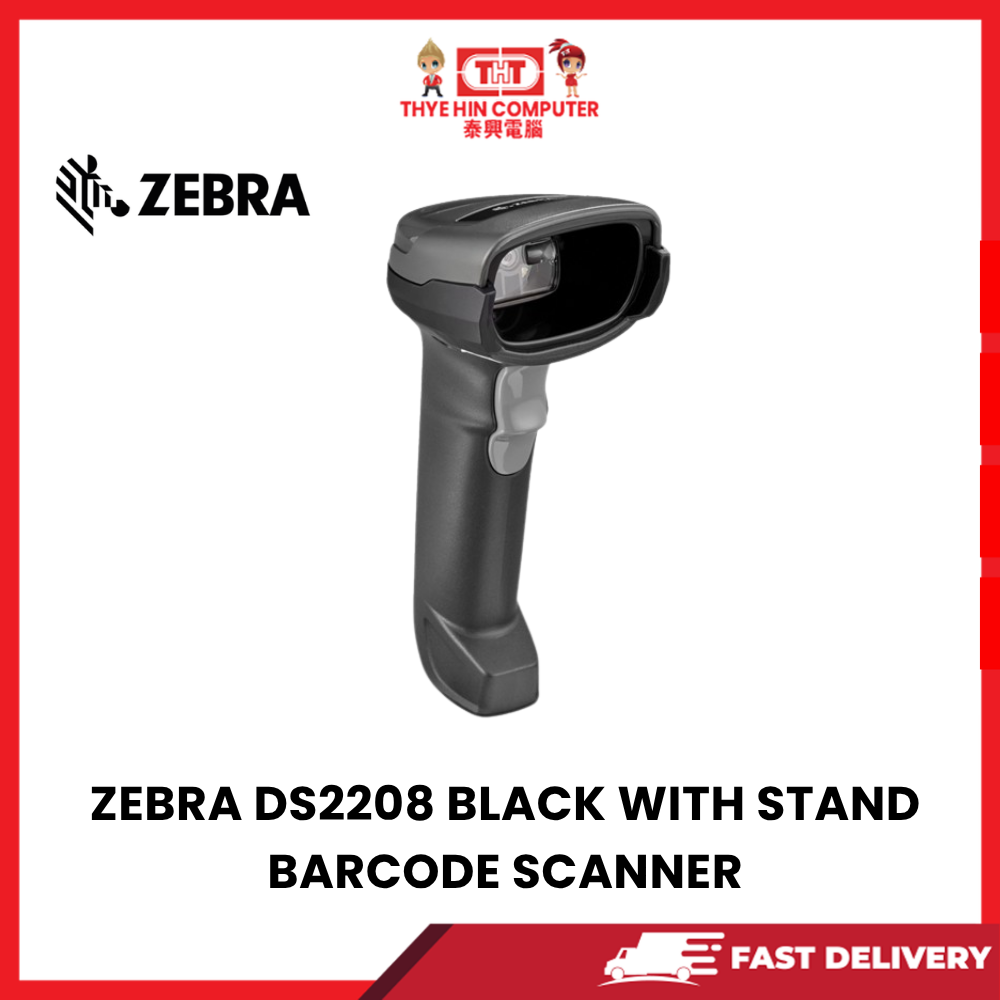
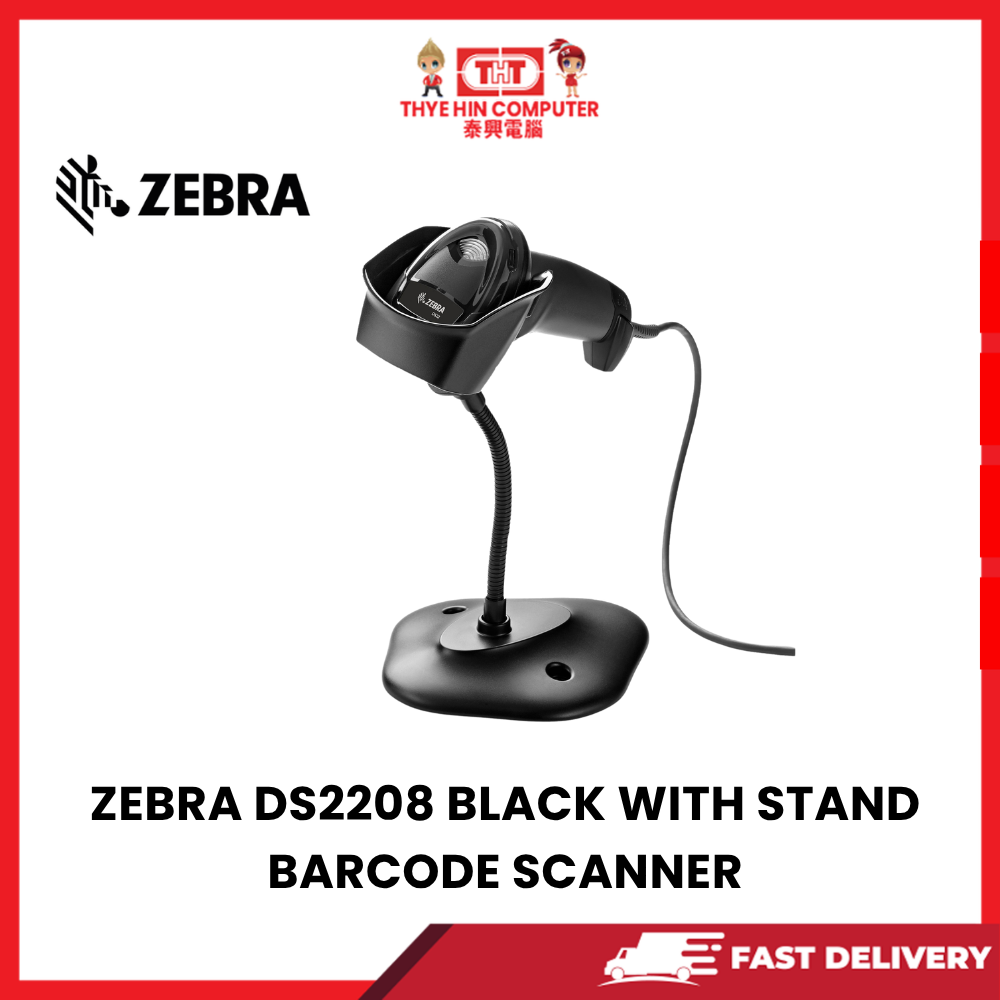
RM419.00
| Seremban HQ | ● In stock |
| AEON Mall Nilai | ● Out of stock |
| AEON Mall Ayer Keroh | ● Out of stock |
| HP World Seremban | ● Out of stock |
Only 1 left in stock
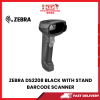
Brand: Zebra
Model: DS2208
Product Type: Handheld 1D / 2D Barcode Scanner
Colour: Black
Scanner Design: Handheld Barcode Scanner
Connection Type: Wired
Scanning Technology: Area Imager
Barcode Support: 1D and 2D Barcodes
QR Code Support: Yes
Display Barcode Scanning: Supports scanning compatible barcodes displayed on smartphone and tablet screens.
Printed Barcode Scanning: Reads supported barcodes printed on labels, product packaging, receipts and documents.
Handheld Scanning: Ergonomic scanner design for everyday business operations.
Hands-Free Scanning: Includes a stand for convenient presentation-style scanning.
Fast Barcode Recognition: Designed for efficient barcode capture at retail counters and workstations.
Omnidirectional Scanning: Reads supported barcodes from different orientations without precise alignment.
1D Barcode Compatibility: Supports common linear barcode formats used in retail and inventory systems.
2D Barcode Compatibility: Reads QR codes, Data Matrix, PDF417 and other supported two-dimensional barcode formats.
Retail POS Applications: Suitable for scanning product barcodes at checkout counters.
Inventory Management: Helps staff capture product barcodes for stock checking and inventory updates.
Warehouse Applications: Suitable for barcode-based stock movement, product identification and inventory processing.
Product Identification: Quickly retrieves product information through compatible POS and inventory software.
QR Code Scanning: Supports QR-code-based identification and information capture in compatible applications.
Mobile Screen Scanning: Reads supported digital barcodes presented on compatible smartphone screens.
Paper Label Scanning: Designed to scan supported printed labels and product codes.
USB Connectivity: Supports compatible USB host connections when supplied with a USB interface cable.
Plug-and-Play Operation: Basic USB keyboard-style scanning can work without additional drivers on compatible systems.
Keyboard Wedge Functionality: Can send scanned barcode data to supported applications as keyboard input.
Windows Compatibility: Suitable for compatible Windows POS systems and desktop computers.
POS Software Compatibility: Works with barcode-enabled retail and business software supporting its connection and data-output mode.
Checkout Counter Applications: Convenient for supermarkets, convenience stores, computer shops and retail businesses.
Office Applications: Suitable for document tracking, asset management and record identification.
Stock-Taking Applications: Helps capture barcode information during physical inventory checks.
Receiving Goods: Supports barcode identification when receiving products into an inventory system.
Stock Transfer Processing: Useful for recording stock movement between store locations through compatible software.
Ergonomic Handle: Designed for comfortable repeated scanning throughout the working day.
Compact Design: Suitable for retail counters and workspaces with limited space.
Audible Scan Feedback: Provides a confirmation beep when supported barcodes are successfully decoded.
Visual Scan Feedback: Includes LED indication for supported scanning status information.
Configurable Scanner Settings: Supports configuration of compatible barcode types and interface functions.
Durable Construction: Designed for regular use in retail and business environments.
Stand-Assisted Operation: Allows the scanner to be positioned for convenient hands-free barcode reading.
Ideal For: Retail shops, supermarkets, warehouses, offices, POS counters, inventory systems and stock management.
Package Includes:
1 × Zebra DS2208 Barcode Scanner (Black)
1 × Barcode Scanner Stand
Connection cable and accessories as supplied with the purchased kit
Important Note: Confirm the supplied interface cable type before connecting the scanner to a POS terminal or computer.
Software Compatibility Note: Scanned data must be supported by the connected POS, inventory or business application.
Scanning Note: Barcode readability depends on print quality, barcode size, screen brightness and scanning conditions.
Installation Note: Some POS software may require configuration of barcode prefixes, suffixes or keyboard input settings.
| Weight | 1.00 kg |
|---|---|
| Dimensions | 10.00 × 10.00 × 10.00 cm |


Computer Peripheral


Office & Smart Device


Gaming Chair

Gaming Chair

Gaming Chair





Only 1 left in stock




Reviews
There are no reviews yet.